Agent AFK is an open-source, terminal-based coding agent that orchestrates delegated tasks, verifies completed work, and provides evidence-backed results.
jcode is an MIT-licensed terminal coding agent written in Rust, with durable memory, background tasks, parallel agent swarms, and broad model-provider support.
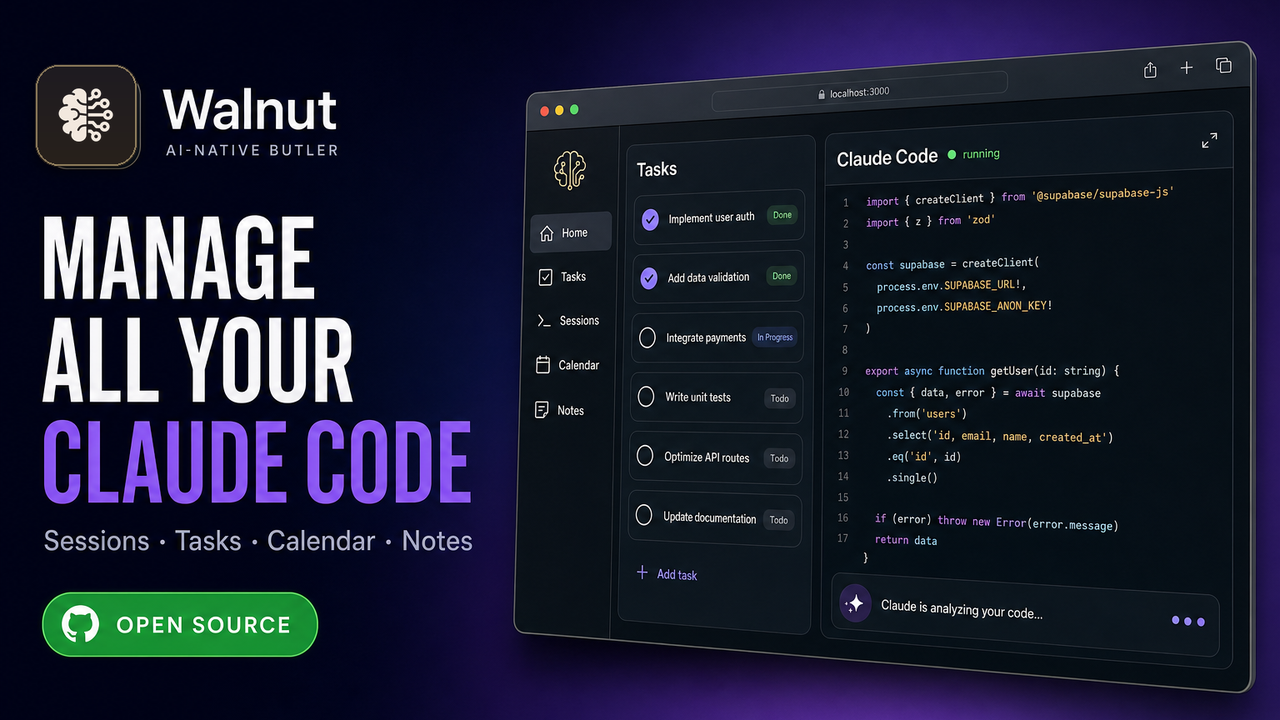
Walnut is a local-first, open-source console for running and reviewing Claude Code sessions across local machines and remote SSH hosts.
bise is an open-source terminal application for multi-agent coding that lets a lead agent coordinate specialized coding agents from a single conversation.

pi pod is a self-hostable environment for running customized pi coding-agent sessions in isolated cloud pods with organizational controls and automation tooling.

Celeste CLI is a standalone agentic terminal coding assistant with an interactive TUI, code-graph analysis, semantic search, multiple model providers, and MCP tools.

D-Engine is a deterministic harness that applies LLM-proposed code edits in a shadow Git worktree and merges them only after TypeScript compilation succeeds.

Plannotator is an open-source local feedback tool for answering coding-agent questions asynchronously and reviewing plans, documents, and code in a visual interface.
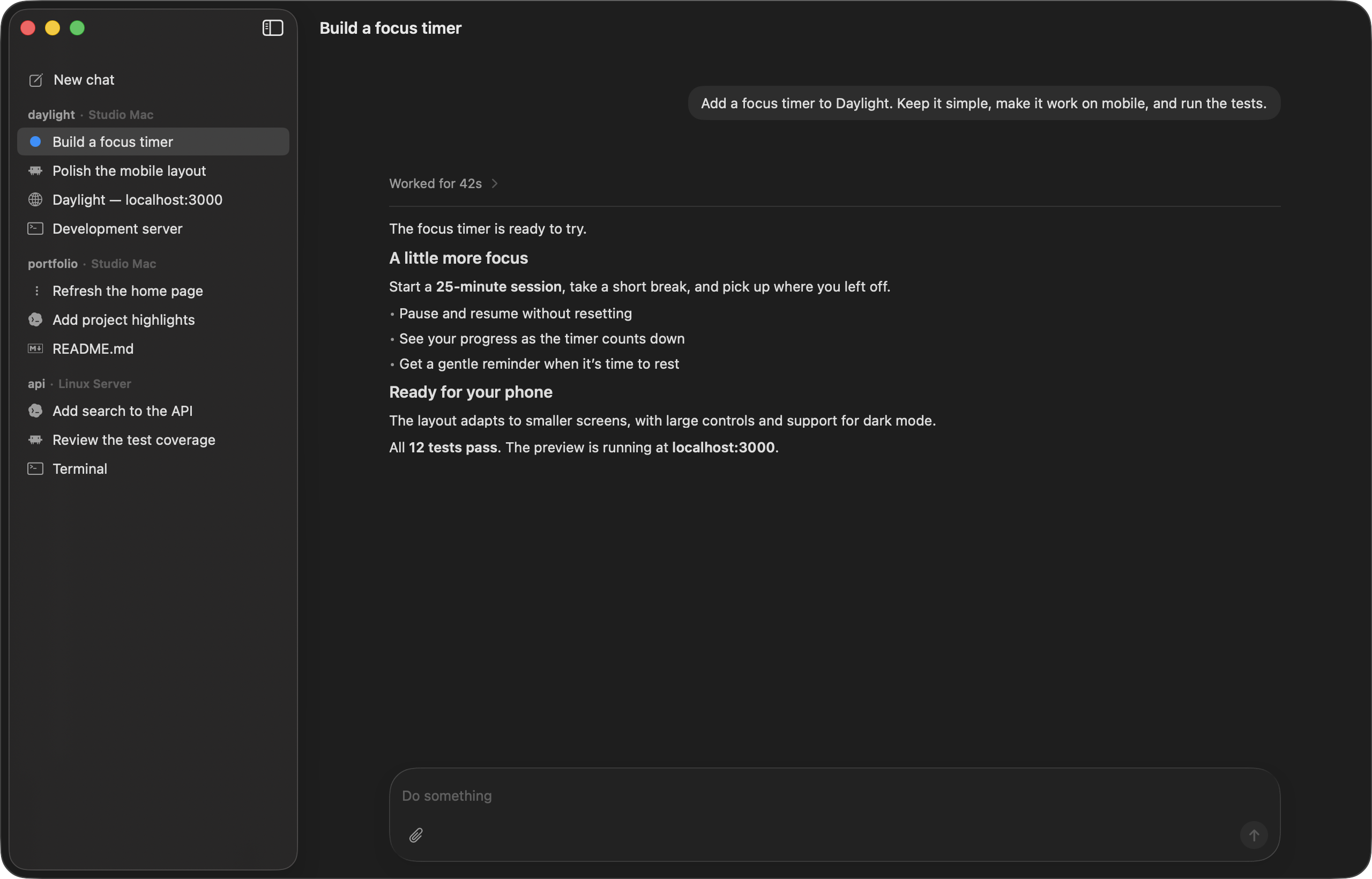
Codevisor is a native Mac and iPhone workspace for running and monitoring coding agents across local Macs and remote Linux machines.
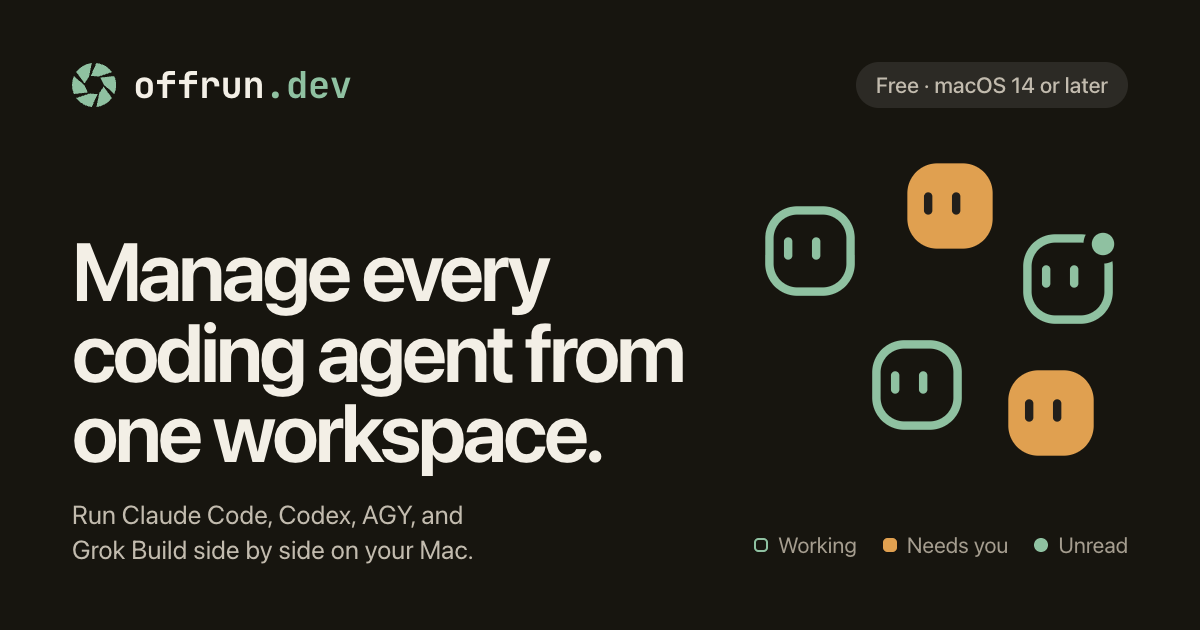
Offrun is a macOS workspace for running multiple coding agents in isolated worktrees with shared project memory, peer review, and local dictation.

Manifestack is a local, read-only stack planning and auditing tool that helps coding agents evaluate services, costs, limits, regions, and architectural fit across a software project.

Open SWE is an open-source framework built on Deep Agents and LangGraph for creating customizable internal coding agents that fit existing engineering workflows.