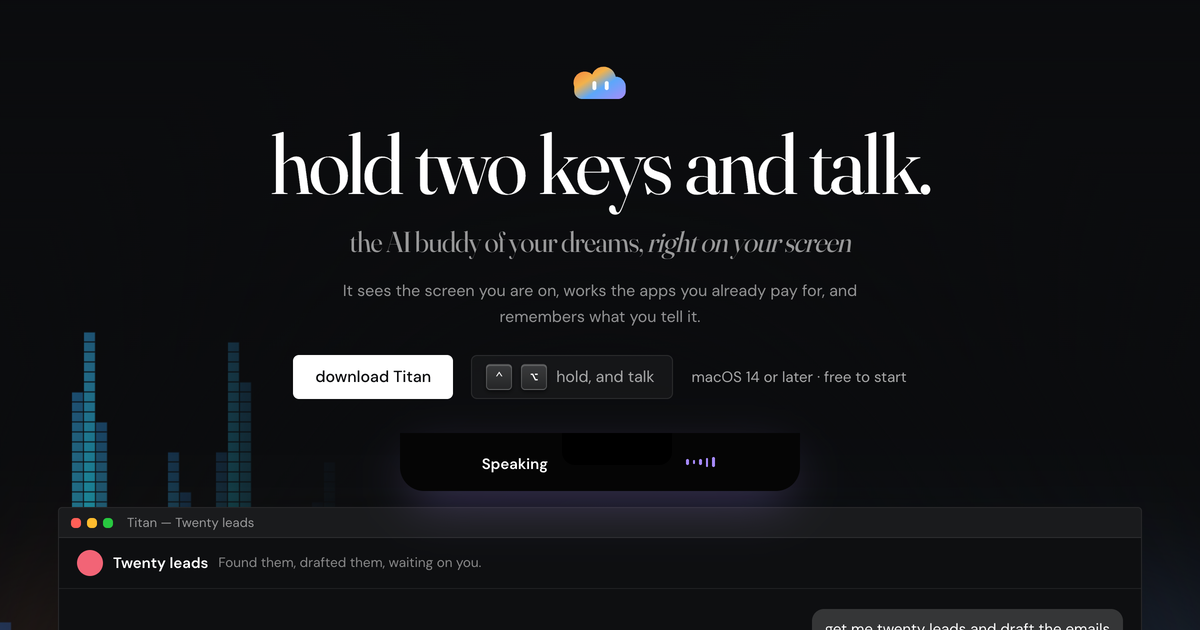
What Is Titan?
Titan is a desktop AI assistant designed to work directly on a Mac rather than inside a browser tab. It can understand spoken requests, inspect what is currently visible on the screen, and take actions across installed apps.
The assistant is intended for people who prefer to describe a task aloud instead of carrying out each step manually. It can also continue longer jobs in its desktop app while the user works on something else.
Key Features
- Reads the live screen to interpret visible errors, documents, and interfaces without requiring a manual screenshot upload.
- Operates apps including Mail, Calendar, Chrome, Notion, Slack, Linear, Terminal, Spotify, and GitHub.
- Draws circles and arrows on the screen when visual guidance is clearer than a written explanation.
- Remembers preferences, people, projects, and working habits, with spoken controls for removing incorrect memories.
- Reports when background work is complete and identifies where the resulting work was placed.
How It Works
A user can hold Control and Option from anywhere on the Mac and speak a request. Titan shows when it is thinking and, after completing an action, indicates what happened and where the work went.
For longer assignments, agents can keep running through the desktop application. Titan checks the result of actions it performs rather than stopping immediately after opening or filling an app.
Plans and Requirements
Titan offers a free starting tier with a small monthly allowance. Paid plans are Pro at $20 per month, Ultra at $100 per month, and Max at $200 per month; local tax is calculated at checkout. Fast-model actions such as opening something or changing playback are available on every plan.
The application currently requires an Apple silicon Mac with an M1 or newer processor and macOS 14 or later. The model is included, no API key is required, and creating an account is optional.