Overview
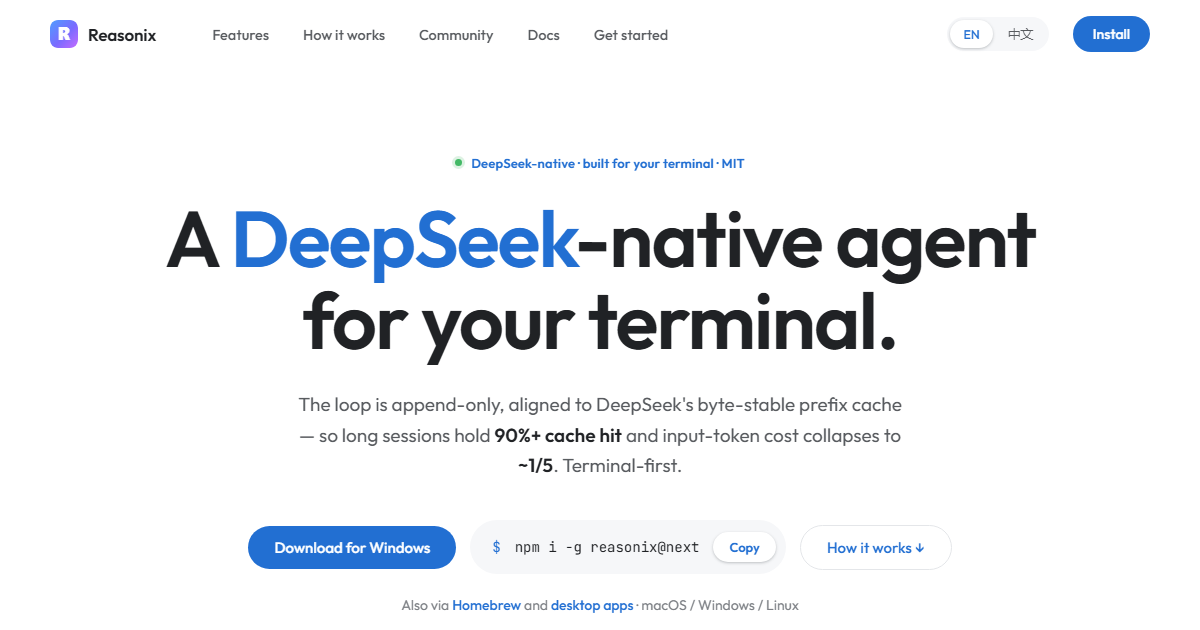
Reasonix is an MIT-licensed, local-first coding agent for working directly with software projects. It can inspect project files, make edits, run commands, and execute tests while using a model account configured by the user.
The same program is available through a graphical desktop app, a terminal interface, a locally served browser experience, and supported code editors. Studio and the command-line tool share the 2.x product line.
Key Features
- Permission levels can require approval for each write or command, or allow routine actions within user-defined limits.
- Checkpoints preserve snapshots before edits, enabling changes made by Reasonix editing tools to be rewound by conversation turn without altering Git history.
- Plan mode presents a proposed approach and waits for approval before work begins.
- MCP connections, Markdown-based skills, and helper agents extend the available tools and workflows.
- macOS and Linux commands can run in a sandbox that restricts writable locations.
Ways to Use Reasonix
Reasonix Studio provides a desktop interface with side-by-side sessions, approvals, settings, and automatic updates. The full-screen terminal interface supports change review, action approval, and slash commands.
A browser interface can be served from the user's own computer, with password or token protection available for sharing. VS Code and VSCodium are supported through an extension, while other editors can connect through ACP support.
Models and Platforms
Reasonix uses the user's own model key. DeepSeek support is built in, and other OpenAI-compatible services can also be configured.
The command-line application is distributed as a self-contained program for macOS, Linux, and Windows across Intel, AMD, and ARM platforms. Studio builds are available for supported macOS, Windows, and Linux configurations.