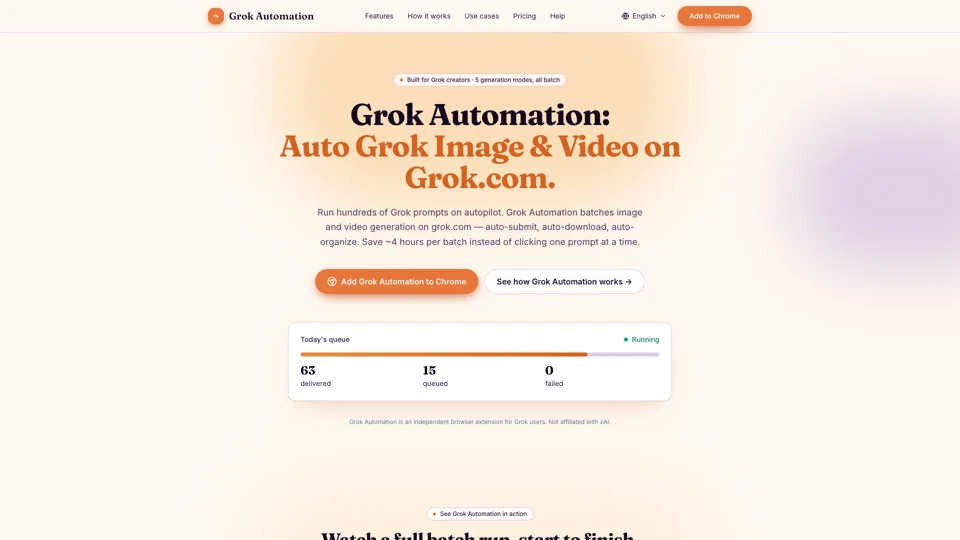
What is Grok Automation
Grok Automation is an independent browser extension designed for Grok users, allowing them to automate the process of generating images and videos on grok.com. It enables users to run hundreds of Grok prompts on autopilot, saving time and increasing productivity. With Grok Automation, users can auto-submit, auto-download, and auto-organize their generated images and videos, making it an essential tool for creators who need to produce content at scale.
Features of Grok Automation
Grok Automation offers a range of features that make it an ideal solution for Grok users, including:
-
Auto Grok prompts: Submit prompts continuously on grok.com without manual clicking or babysitting the tab.
-
Batch 100+ prompts per run: Queue dozens or hundreds of Grok prompts in a single run, with the option to pace submission to your account's limits.
-
All 5 Grok generation modes: Support for Text-to-Image, Text-to-Video, Frame-to-Video, Ingredients-to-Video, and Image-to-Image modes, all in one queue.
-
Image-to-Image transforms: Restyle reference images at batch scale, driving Grok's image-to-image mode across whole folders.
-
Text-to-Image, 5 aspect ratios: Auto Text-to-Image batching across 16:9, 9:16, 1:1, 2:3, and 3:2 aspect ratios, with no manual re-cropping per platform.
-
Text-to-Video with Concat mode: Auto Text-to-Video generation with Concat support, allowing users to chain clips into longer sequences in the same queue.
-
Auto-upscale & auto-download: Results are upscaled and downloaded automatically, with no files left trapped in a tab.
-
Project folders + Character auto-match: Outputs are organized into project folders, sorted by media type and ratio, with filenames auto-matched to Character references for consistent batches.
-
1–6 concurrent prompts: Run up to 6 Grok prompts in parallel, with the option to tune throughput to Free, Super Grok, or Grok Heavy.
-
Smart delays for long queues: The Smart Delay System keeps long Grok queues safe from rate-limit blowouts, auto-pausing, persisting, and resuming when quota returns.
-
Real-time queue monitor: Live progress bar with status, ETA, and run history, allowing users to track their batches in real-time.
How Grok Automation Works
Grok Automation works in three simple steps:
-
Step one: Paste your Grok prompts: Drop a list of prompts, one per line, dozens or hundreds at a time, and pick any of the 5 generation modes.
-
Step two: Hit start — Grok Automation takes over: Smart delays pace 1–6 concurrent runs around Grok's rate limits, with the option to pause the queue, persist progress, and resume when quota returns.
-
Step three: Find your batch in project folders: Every result is auto-upscaled and dropped into project folders, sorted by aspect ratio and media type, with filenames matched to your Character references.
Pricing
Grok Automation is available in several pricing plans, including a free tier, with paid plans offering larger batches and advanced controls. The pricing is subscription-based, with the option to cancel anytime. Early-access pricing is available for those who join the waitlist, with a lower rate that will be honored for the life of the subscription.
Helpful Tips
- Use Grok Automation to automate your Grok workflow and save time.
- Take advantage of the Smart Delay System to avoid rate-limit blowouts.
- Organize your outputs into project folders for easy access and management.
- Use the real-time queue monitor to track your batches in real-time.
Frequently Asked Questions
-
How is Grok Automation different from Grok Tasks?: Grok Tasks is xAI's built-in feature for scheduling a Grok chat task on a trigger or timer, while Grok Automation batches image and video generation on the grok.com UI itself.
-
What happens when Grok rate-limits me mid-batch?: Grok Automation detects the rate-limit signal, pauses the queue, persists progress to local storage, and resumes the moment quota returns.
-
Is Grok Automation affiliated with xAI?: No, Grok Automation is an independent browser extension, not affiliated with, endorsed by, or sponsored by xAI Corp.
-
What data does the extension see?: Only what you'd see in the Grok tab yourself — the prompts you queue and the responses you generate, with nothing leaving your browser.